- 01 · Capture
- 02 · Organise
- 03 · Manage
WATCH IT WORK
From paper invoice to filed record in seconds.
Capture, crop, add pages, convert to PDF, read the details and file it to the right shop.
01 / CAPTURE
Paperwork in. Chasing invoices out.
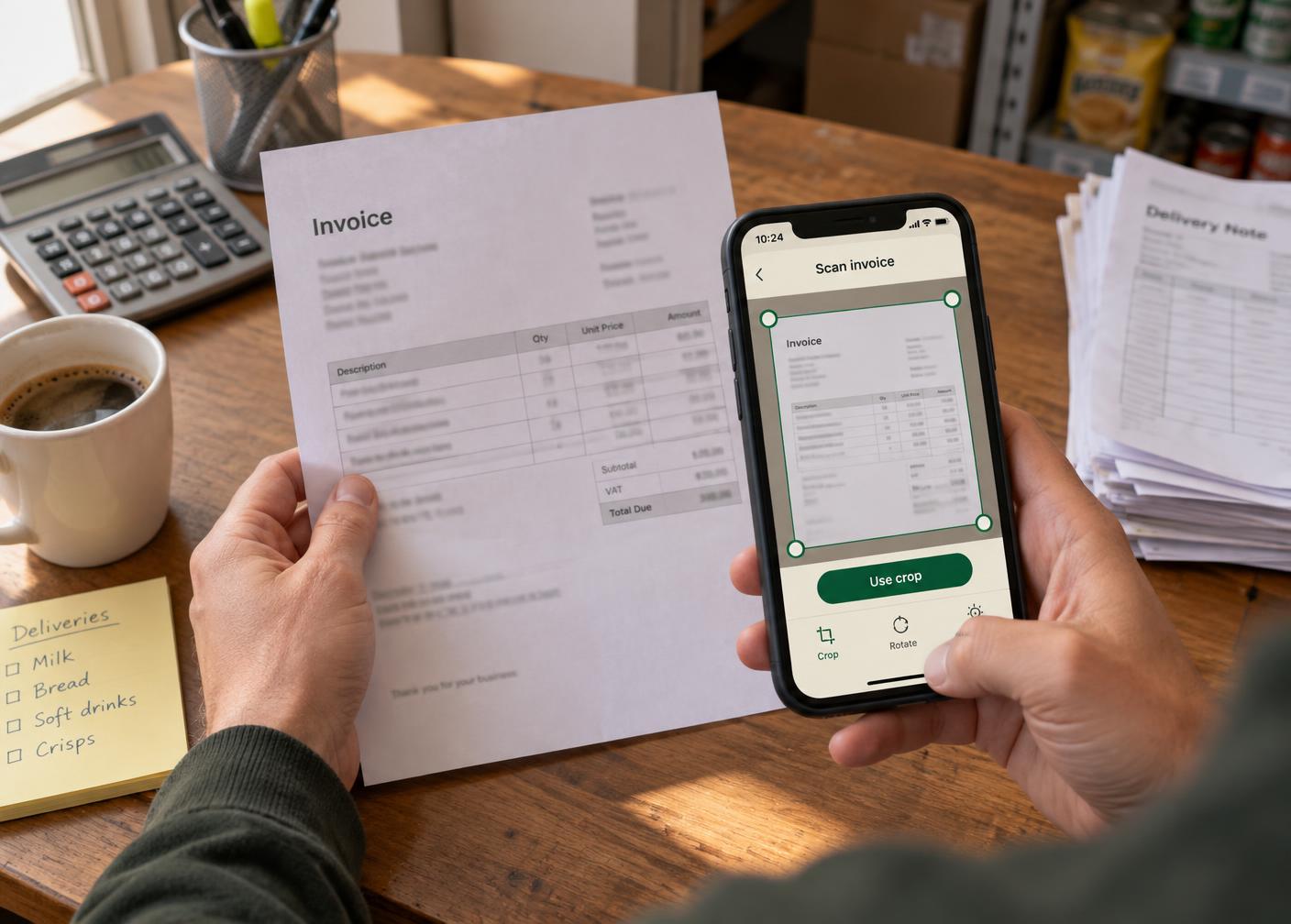
Photograph a supplier invoice or upload an existing PDF. Choose the shop it belongs to and keep every page of a multi-page invoice together.
- Photograph or upload your documents
- Confirm and adjust photo borders
- Add pages to the same invoice
- Choose invoice, supplier statement or auto-detect
02 / ORGANISE
Invoice details, without the retyping.
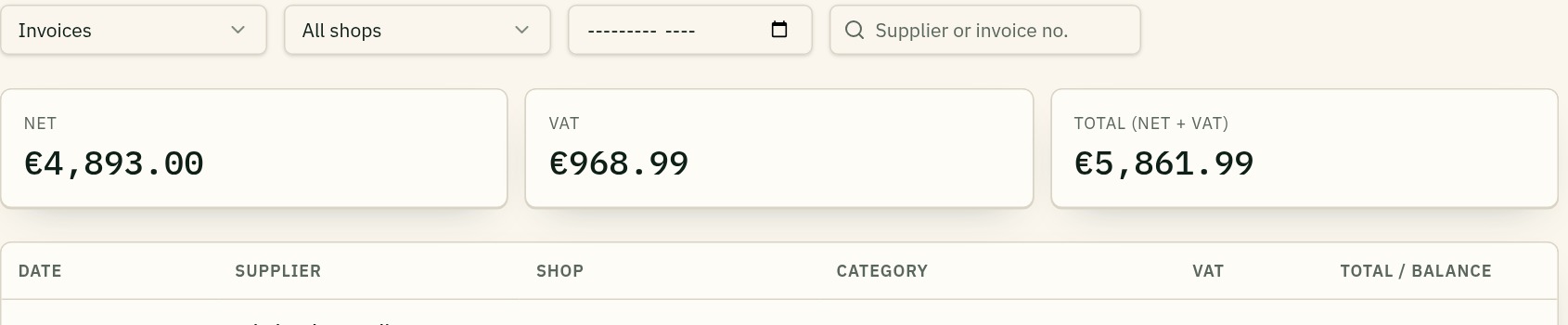
Bookvero reads the supplier, invoice number, date, net, VAT and total, then files the document against its shop. Review the extracted details and correct anything that needs attention.
Supplier statements can be recognised automatically or selected manually. They stay accessible as documents, without adding statement balances to your invoice totals.
03 / MANAGE
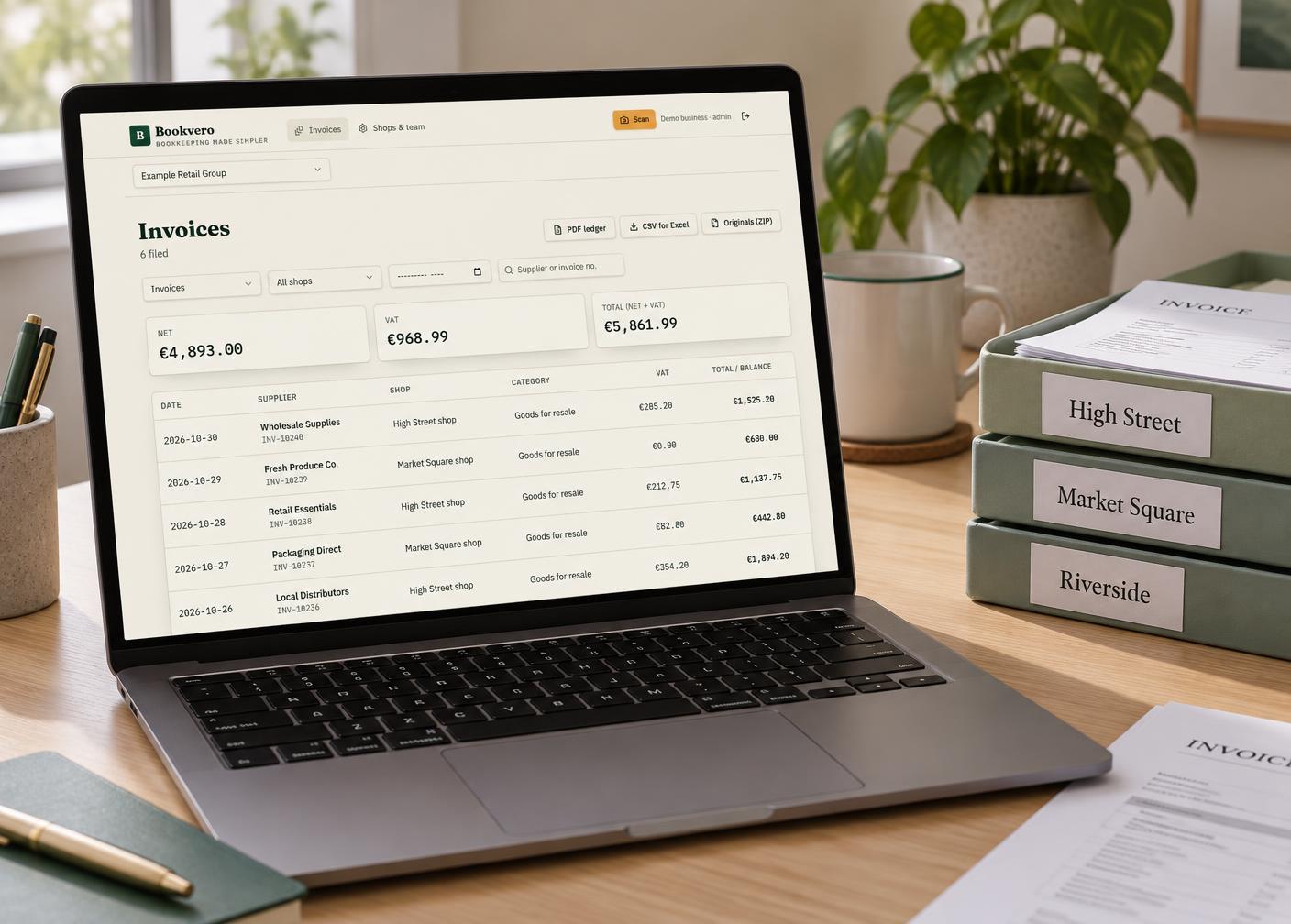
Every shop. One clear view.
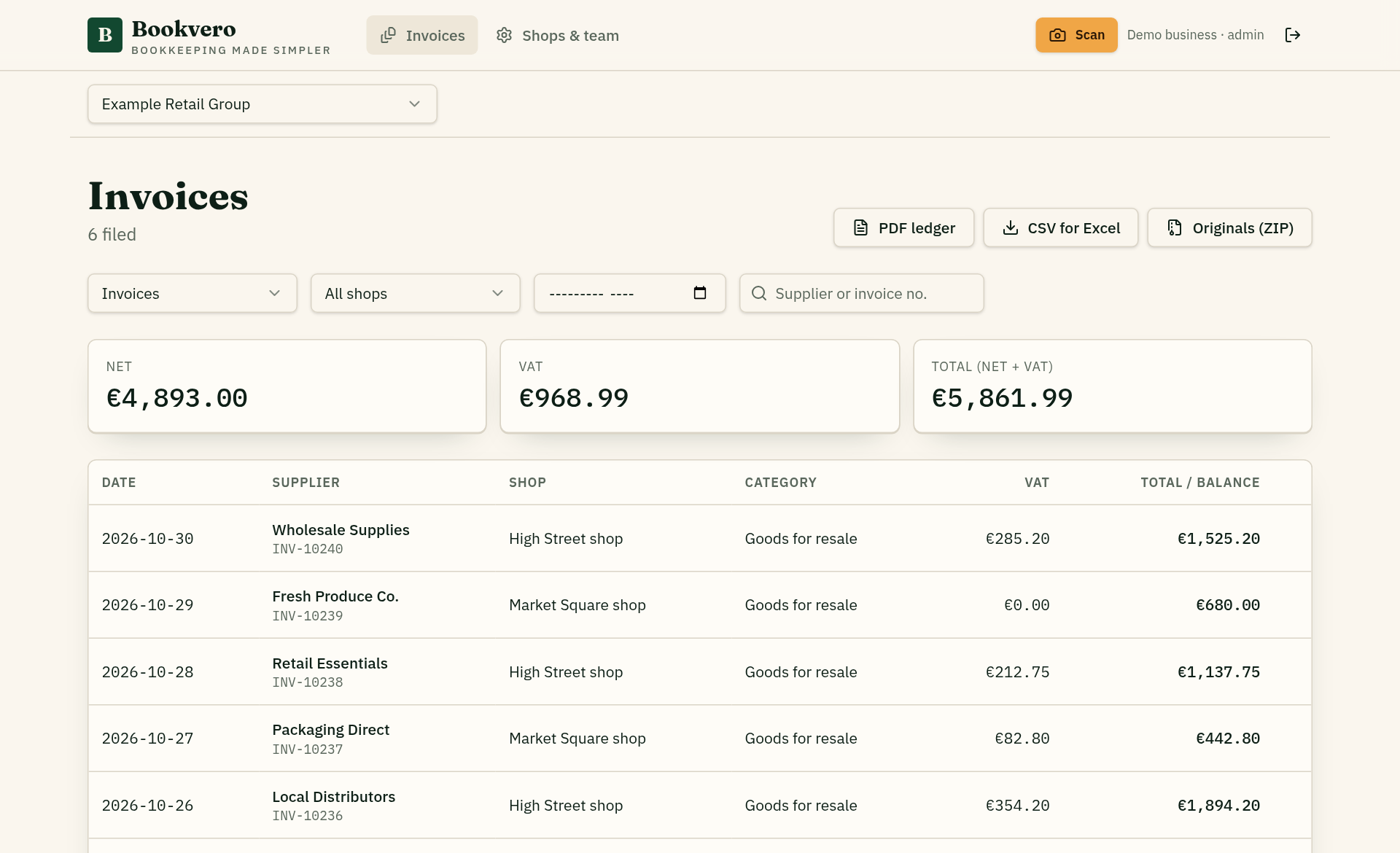
View the invoices across your business, or narrow the list by shop, month, supplier or document type. Open a record to review its details and original PDF.
Find the right document
Keep invoices and supplier statements organised by shop.
Review financial records
See net and VAT summaries, with missing amounts and discrepancies flagged.
Prepare for accountancy
Export a PDF ledger, CSV for Excel or a ZIP of available original PDFs.

MANY SHOPS · ONE CENTRAL CONTROL
Each shop scans. Head office sees everything.
Every shop gets its own scanner login. Staff photograph invoices where they arrive, and each document is filed straight into the owner's central business account, tagged with the shop it came from.
Shop staff can only submit, never browse filed records. The owner views all shops together or one at a time, and an invited accountant can view and export across the whole business.
- 01
Shops capture
Each shop uses its own scanner login to submit invoices for that shop only.
- 02
Owner controls
One central account manages shops, team access and every filed document.
- 03
Accountant reviews
Invited accountants see every shop's invoices and export them, without editing.
Each business has a separate workspace, with access rules protecting its documents from other businesses.
Spend less time managing paperwork. More time running your business.
Free account registration. Business access requires an active subscription.